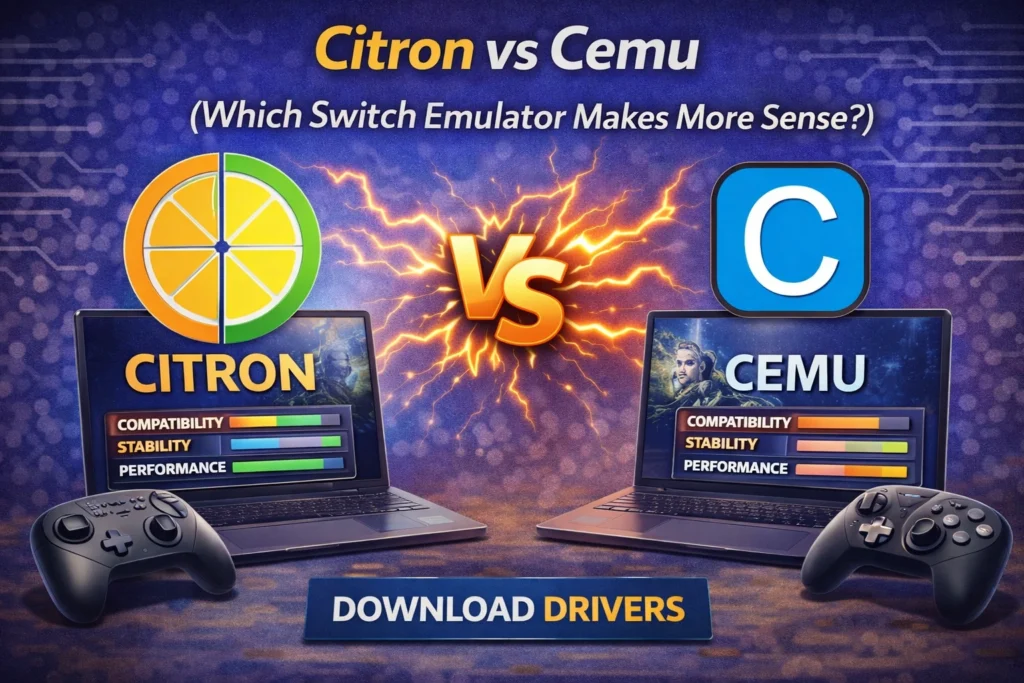
Switch emulation has moved fast over the last few years. There isn’t just one obvious choice anymore, and two names that get mentioned a lot are Citron and Cemu. They’re both solid projects, but they’re not really chasing the same goal, which is where most of the confusion comes from.
If you’re trying to figure out which one actually fits your setup, it helps to look at what each project is trying to do rather than just raw performance numbers.
Citron
Citron is built around one idea: emulate the Nintendo Switch properly, and give users deep control over how that works. It’s not just about getting games to boot. It’s about accuracy, system-level behavior, and giving power users tools to mess with things if they want to.
Some of the stuff that made people notice Citron:
- Controller-level features like advanced API support and things like DualSense integration.
- Built-in thinking around save syncing and backup workflows.
- RTC manipulation (changing system time for games that depend on it)
- Very mod-friendly design
- Fast update cycle and active development
A lot of Citron users are the type who like tweaking settings, testing mods, or moving saves between machines.
Cemu
Cemu built its reputation as a Wii U emulator. That’s still where it’s strongest. Over time, there have been experiments and compatibility layers related to Switch tech, but it’s not a native Switch emulator in the way Citron is.
Where Cemu still shines:
- Years of optimization work
- Really strong performance for supported Wii U games
- Very stable for older titles
- Mature graphics pipeline and tooling
But when the conversation is strictly “Switch emulation,” Cemu isn’t really designed to compete with dedicated Switch projects.
The real difference
If you strip everything down, it’s basically this:
- Citron → built specifically for Switch
- Cemu → built for Wii U, with some experimental overlap
If your main goal is Switch games, that alone already answers a lot.
Performance (the part everyone cares about)
Citron
Citron leans toward accuracy first, so performance depends a lot on:
- The game
- Your hardware
- How you configure the emulator
On newer CPUs and GPUs, a lot of titles run smoothly, and updates keep pushing performance forward.
Cemu
For Wii U games, Cemu is extremely optimized. Mid-range PCs can get great performance.
For Switch workloads specifically, it doesn’t really have an advantage, because that’s not what it was built for.
If we’re talking Switch-only use case → Citron makes more sense.
Game compatibility
Citron
- Made for native Switch titles
- Usually better with newer releases
- Handles Switch-specific behavior like system calls and RTC stuff
- Compatibility improves regularly
Cemu
- Excellent Wii U compatibility
- Not built for modern Switch-only games
- Not really relevant if your library is mostly Switch
Again, for Switch usage → Citron wins by default.
Features and flexibility
This is where the gap gets pretty noticeable.
Citron tends to focus on:
- Save backup + syncing workflows
- Time/date manipulation
- Mods and plugins
- Advanced controller handling
- Multi-device type setups
- Switch-focused UX and setup
Cemu tends to focus on:
- Graphics packs
- Shader caching
- Performance tuning tools
- Debugging tools (mostly for Wii U development and preservation work)
If you like having control and modern emulator-style features, Citron just offers more relevant stuff for Switch.
Ease of use
Citron feels more “modern Switch emulator” in how the setup is structured, but beginners might need a little time to learn what everything does.
Cemu is very polished overall, but that polish mainly benefits Wii U workflows. If you’re only there for Switch, you don’t really gain much from that maturity.
Development direction
Citron is still pushing forward pretty aggressively, especially around:
- Accuracy
- Modding workflows
- Controller tech
- Quality-of-life features
Cemu is mature and stable, but its future is clearly tied to Wii U preservation and optimization, not becoming a Switch-focused platform.
Which one should you actually use?
Citron makes more sense if you:
- Want a real Switch emulator
- Care about mods and newer features
- Plan to play newer Switch releases
- Like deep control over emulator behavior
Cemu makes sense if you:
- Mostly play Wii U games
- Want extremely optimized performance for older titles
- Don’t really care about Switch emulation
Final Verdict
For Switch emulation specifically, Citron is the obvious pick.
That doesn’t make Cemu bad, it’s just built for a different console. Comparing them for Switch alone is kind of like comparing a PS2 emulator to a PS3 emulator. One of them was actually designed for the job.
If your focus is Switch games, newer features, and where Switch emulation is heading over the next few years, Citron is the one that lines up with that.
You can also read our in-depth comparisons of Citron with other emulators, including Citron vs Ryujinx, Citron vs Yuzu and Citron vs Suyu.