
Switch emulation has moved fast over the last couple of years. Now that projects like Citron and Suyu are getting talked about more, a lot of people are trying to figure out which one is actually worth using right now.
There isn’t a single answer. It really depends on what you care about most, like raw stability, extra features, or experimenting with newer builds.
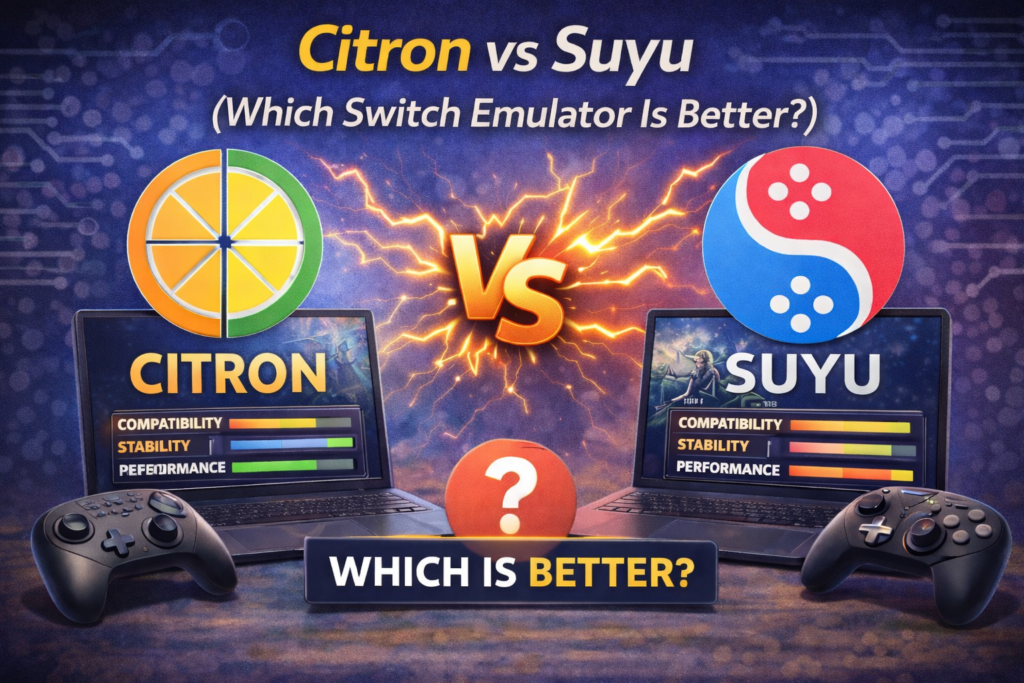
Performance and Stability (Actual Day-to-Day Use)
Citron generally feels more “finished” when you’re just trying to play games. It’s clearly built with optimization in mind. Frame pacing is usually steadier, shader stutter is less noticeable, and it tends to behave well across a wider range of hardware. Even on mid-range PCs, it usually holds stable FPS once shaders settle.
Suyu can run plenty of games too, but the experience is less predictable. Some titles run great, others might stutter, load slowly, or randomly crash, especially newer or heavier games. Updates do improve things, but results can vary a lot from version to version.
If you just want to launch a game and play, Citron usually feels less stressful.
Compatibility and Game Support
Citron seems to handle more games reliably overall. Not just big titles, but also smaller or less common ones. Boot times are usually quick, crashes are less frequent, and things like DLC, updates, and save imports tend to work without much effort.
Suyu supports many of the same games, but results can be inconsistent. Some games work perfectly, others need manual fixes, and a few may not boot at all. If you like tinkering, that might not bother you. If you don’t, it can get annoying fast.
Features That Matter in Practice
Citron leans heavily into quality-of-life stuff. Things people actually use.
You get things like save importing, save backups, Amiibo file support, flexible controller mapping, and performance tweaks that don’t require digging through complicated menus. It also experiments with stuff like RTC changes and more advanced input handling.
Suyu covers the basics, but it’s lighter on extras. For some users that’s fine. For others, it can feel a bit bare compared to Citron.
Setup and Overall User Experience
Citron is easier to live with. The UI is straightforward, settings are easier to understand, and you usually don’t have to touch advanced options just to get games running properly.
Suyu isn’t impossible to set up, but it tends to need more manual configuration. Driver tweaks, testing settings, trial and error, especially on weaker hardware.
Development and Community
Citron feels like it has strong momentum. Updates are fairly consistent, bugs get attention, and documentation keeps improving. That matters a lot in emulation since things change quickly.
Suyu development feels more experimental. Updates happen, but not always on a predictable schedule, and improvements aren’t always guaranteed. The community exists, just smaller and less organized.
Hardware Efficiency
Citron is more efficient overall. It runs better on:
- Mid-range CPUs
- Integrated or older GPUs
- Systems with limited RAM
Suyu often needs stronger hardware to match the same performance level. On high-end PCs, the gap shrinks, but most people aren’t running top-tier hardware.
Which One Should You Pick?
If you want something stable, feature-rich, and easy to use daily, Citron is the safer choice right now.
If you like testing experimental builds, helping development, or don’t mind occasional instability, Suyu can still be interesting to try.
Final Verdict
Right now, Citron feels like the more complete emulator for most people. Better consistency, better compatibility, and fewer headaches.
Suyu has potential, but it still feels like it’s finding its footing. You can also check out our comparisons of Citron with other emulators, including Citron vs Ryujinx, Citron vs Yuzu, and Citron vs Cemu.