Last Updated: 6 April, 2026
Switch emulation is getting better every single day. You can play your favorite console games directly on your PC. It feels like a massive leap for PC gaming. But choosing the right software can be tough.
I remember struggling with setup screens for hours. You just want to play a game smoothly. You do not want to become a software engineer just to start a game. That is where choosing the right tool matters most.
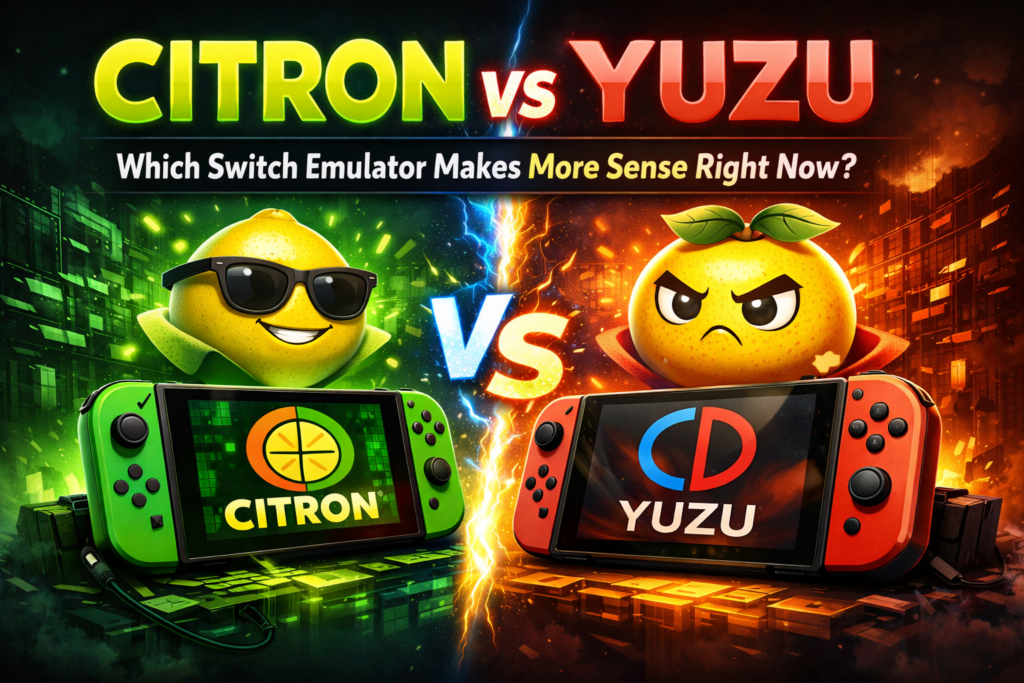
This post compares Citron and Yuzu directly. I will show you which Switch emulator makes more sense right now. You’ll see how they handle performance, game compatibility, and everyday setup. Let’s find your perfect match.
Overview of Yuzu
Yuzu has been around for quite a while now and has built a huge, dedicated community over the years. This early start has helped it achieve great game compatibility, and you’ll find support for almost any issue you come across.
However, all that development comes with a price. Yuzu Emulator requires pretty powerful hardware to run smoothly. It puts a lot of strain on your CPU and GPU, so lower-end PCs might have a tough time keeping up.
For new users, the setup can be a bit tricky. You’ll often need to tweak advanced settings, and some features are still in early access, which can be frustrating if you’re just looking to play games without hassle.
Overview of Citron
Citron is a much newer emulator. It focuses heavily on user experience. You get a cleaner interface right out of the box. Setup takes minutes instead of hours. The biggest perk is low-end PC support. Citron runs better on weaker hardware. You get faster startup speeds. Games suffer from fewer random stutters.
Save file management is also much easier. The emulator handles updates and DLC handling automatically. This friction-free emulation makes gaming simple. However, the community is still small. You might face compatibility gaps with rare games. It lacks the long history of testing that Yuzu enjoys.
Performance Comparison
Which emulator runs games better?
Citron runs games much better on average computers. It provides smoother gameplay without deep tweaking. You experience faster startup speeds and fewer random performance drops. Yuzu requires a high-end gaming PC to reach its full potential, but optimization tips can help improve performance on standard desktops.
Citron is the safest bet for most people. If your PC is older, stick with Citron. If you have a beastly gaming rig, Yuzu shines brightly. It’s the best switch emulator for low-end PCs.
Setup and Everyday Use
Citron offers a very simple setup process. The menus are clean and easy to read. You spend less time digging through complex menus. It’s a plug-and-play experience.
Yuzu caters to true power users. You get tons of tweaking options. This depth can easily overwhelm beginners. You must adjust settings per game to get optimal results.
Game Compatibility
Which emulator plays more games?
Yuzu plays significantly more games than its competitors. It boasts a massive game compatibility list built over several years. You will easily find support for rare or newly dumped titles. Citron supports popular titles but still lacks optimization for obscure or highly demanding games.
I recommend Yuzu for testing new dumps. Citron works fine for the big, popular releases. If you need a massive compatibility database, Yuzu wins.
Features Comparison
Let’s look at a quick breakdown. Citron wins on beginner-friendly UI and mid-range PC support. It also handles save file management well. Yuzu wins on community size and advanced graphics settings. Both handle DLC and updates decently.
| Feature | Citron | Yuzu |
|---|---|---|
| Beginner-friendly UI | ✅ | ❌ |
| Low-end PC support | ✅ | ❌ |
| Save file management | ✅ | ⚠️ |
| DLC & update handling | ✅ | ✅ |
| Community size | ⚠️ | ✅ |
| Advanced tweaking options | ⚠️ | ✅ |
Which One Should You Actually Use?
You should pick Citron if you want simplicity. It’s the best emulator for mid-range PCs. You get a smooth experience without deep tweaking. Your setup will be fast and painless.
You should pick Yuzu if you have power. It’s the best Yuzu emulator for high-end gaming PCs. You get maximum compatibility and deep graphics settings. Just prepare yourself for a steeper learning curve.
Final Thoughts on Switch Emulation
Switch emulation continues to grow fast. Citron is currently recommended for most casual gamers. It offers a hassle-free setup and solid performance on normal hardware. You skip the headache of endless menus. Yuzu remains vital for absolute power users. It tracks compatibility better than anything else. If you love adjusting every graphical setting, Yuzu is for you.
Try Citron first if you’re unsure. It’s the easiest way to start playing today. Grab your favorite game dump and test it out.
If you want to explore how Citron stacks up against other popular emulators, you can also check out our detailed breakdowns of Citron vs Ryujinx, Citron vs Suyu, and Citron vs Cemu.